Layered Shadows
Multiple shadow layers create realistic depth that changes on hover.
Shadows, gradients, and filters working together.
Multiple shadow layers create realistic depth that changes on hover.
A subtle gradient on the card background adds dimension without distracting from content.
A grayscale or sepia filter on the image that lifts on hover draws attention to active cards.
This panel uses backdrop-filter to blur and saturate the image behind it. The text stays sharp while the background softens into a frosted surface.
These icons use drop-shadow() instead of box-shadow so the shadow follows the actual shape of each image rather than its bounding box.


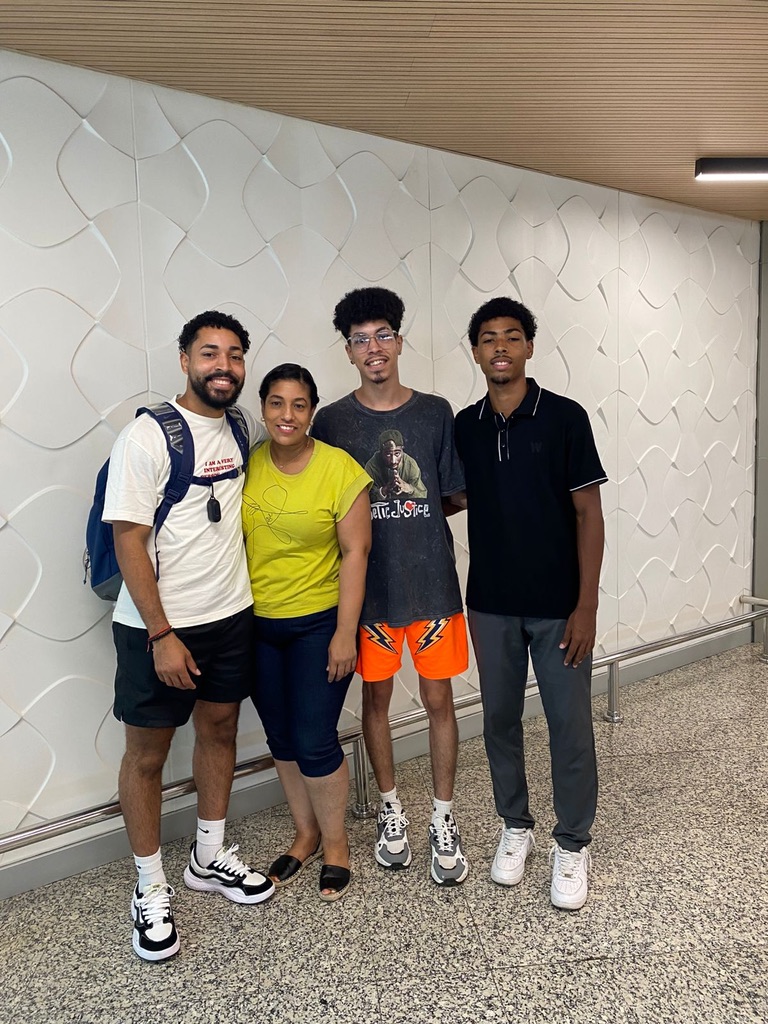
The shape-outside property allows inline content to wrap around custom shapes instead of the normal rectangular box model. This image uses a circular shape, causing the surrounding text to flow naturally around the curve. Designers often use this technique in magazine layouts and feature articles to create more dynamic compositions. Unlike floats alone, shape-outside defines the actual contour that text follows. The result feels more organic and visually engaging than a standard rectangular image with wrapped text. Continue adding text here so the effect becomes obvious. The more content surrounding the image, the easier it is to see how the browser calculates the circular wrapping area. (paragraph provided by ChatGPT)